| Updated: 8 June, 2023 |
|

|
 |
Getting Started
1. Introduction2. Switching to GNU/Linux
3. Getting openSUSE
4. Installation
The Fundamentals
5. KDE Plasma Workspace6. Apps for Common Tasks
7. Security and Root
8. Terminal
9. Admin. Settings (YaST)
10. Installing Software
11. Software Repositories
Setup
12. MS Windows Interop13. Multimedia Codecs
14. Graphics Drivers
15. Wifi
Appendix
A: Help and DocsB: Games
C. Under the Hood
D. History and Background
E: Getting Involved
GNU Free Documentation License
6. Apps for Common Tasks
Here's a list of applications used to perform common tasks, they're all installed by default and are all high quality, but naturally you can replace them with alternatives if you wish. |
All the alternatives mentioned below will be available for easy installation with the package manager, if the recommended software repositories are added (see later chapters). |
You can find more replacements for your familiar applications here:
http://en.opensuse.org/Application_equivalents
6.1 Surf the Web with Firefox
Mozilla Firefox is the default web browser. It's one of the world's leading web browsers.
Alternatives to consider: Opera, Chromium, Falkon, Konqueror
6.2 Office Productivity with LibreOffice
LibreOffice is a complete office suite with word processing, spreadsheets, presentation, drawing and more. It's very compatible with Microsoft Office.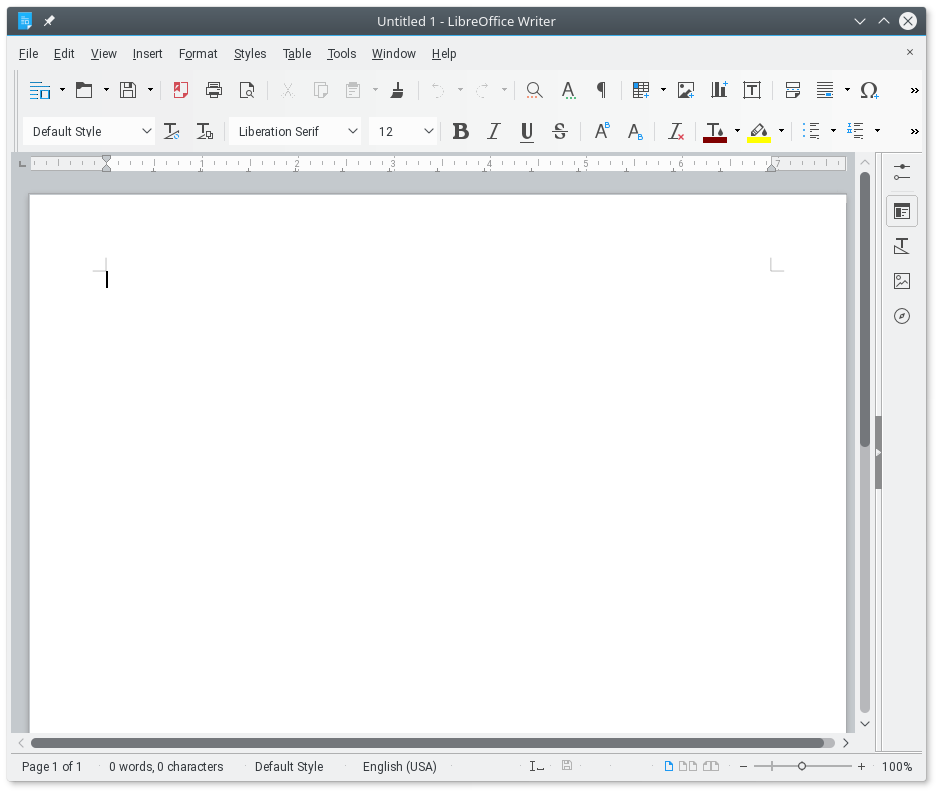
Alternatives to consider: Calligra, Abiword, Gnumeric
6.3 Play multimedia with VLC
The default installation includes VLC Media Player which plays music and video.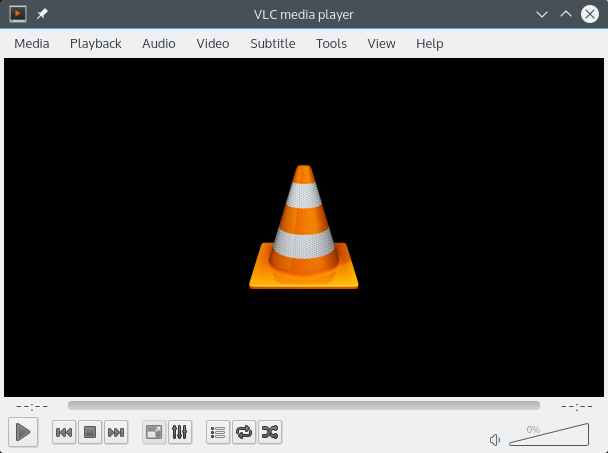
Alternatives to consider for music: Amarok, Elisa, Clementine, JuK, Qmmp
Alternatives to consider for video: SMPlayer, mpv, Kaffeine, Dragon
6.4 Image Editing with GIMP
GIMP (GNU Image Manipulation Program) is a very powerful image editing application.
|
GIMP can work as a single window, simply click 'Windows' in the menu and check the option 'Single-Window Mode'. |
Alternatives to consider: Gwenview (only very basic editing), Krita (primarily a paint application)
6.5 E-mail, Calendar, News feeds and more with Kontact
Kontact is a fullblown PIM (personal information management) suite, combining e-mail, calendar, news feeds, addressbook and more in one place. Each of the Kontact components (KMail, KOrganizer, Akregator etc.) can also be used as standalone applications.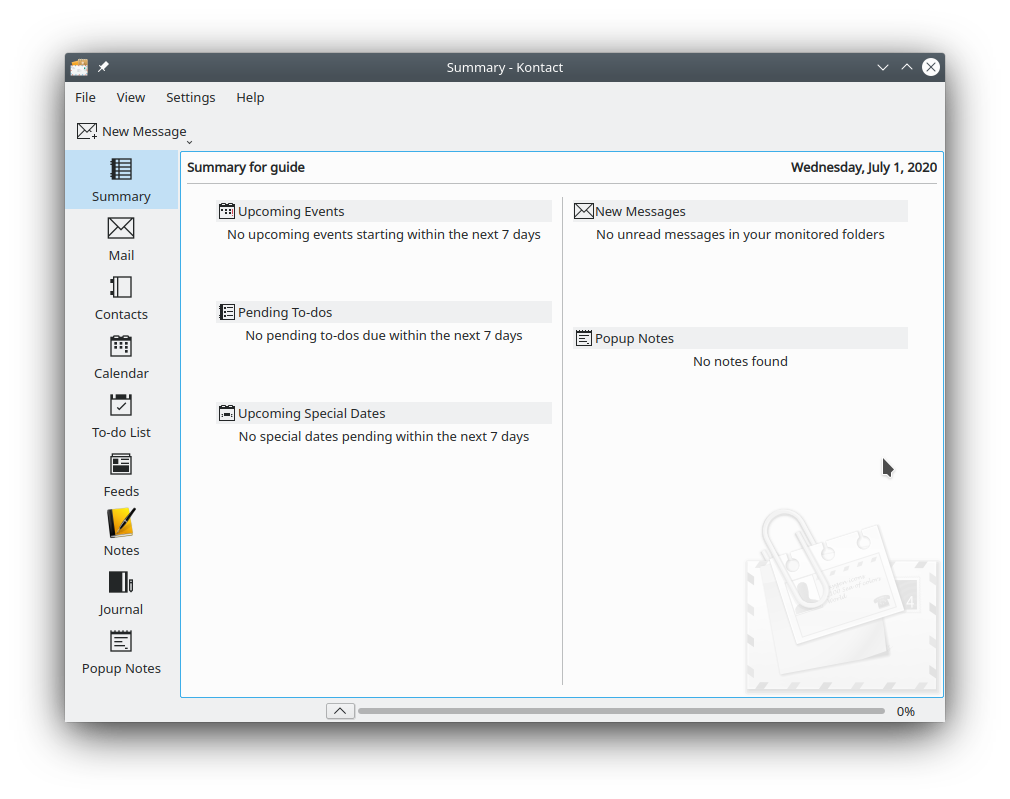
Alternatives to consider: Mozilla Thunderbird, Trojita (IMAP only), Claws-mail
 |
 |
Send your comments via e-mail to admin [at] opensuse-guide.org